Booklore: the Plex of eBooks
Most of us start with folders on a hard drive, move to a clunky desktop app, and eventually give up because it’s too much work to keep organized.
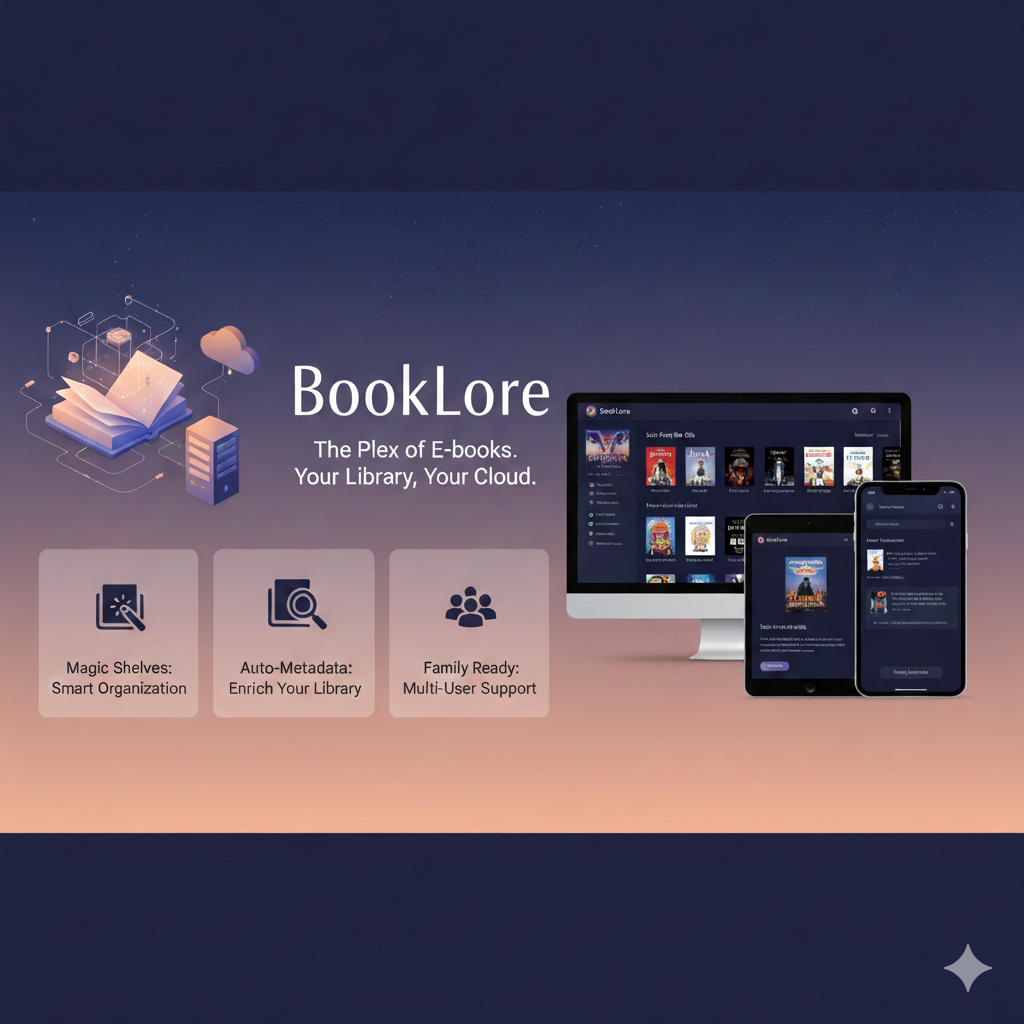
Enter BookLore, a self-hosted web application that is quickly becoming the "Plex of E-books." If you want complete control over your library without the 2005-era interface of traditional software, this is the tool you’ve been waiting for.
What is BookLore?
BookLore is a modern, open-source digital library manager designed to help you host, read, and organize your books in a single, beautiful web interface. Unlike standard e-readers, BookLore is self-hosted, meaning you run it on your own hardware (like a NAS, a Raspberry Pi, or a home server).
The goal? To give you the convenience of a "private Amazon Kindle store" while keeping your data private and under your control.
Features That Make It Shine
1. The "Magic Shelves"
This is perhaps BookLore’s most innovative feature. Instead of manually dragging books into collections, you can create Magic Shelves based on rules.
- Example: Create a shelf for "Unread Sci-Fi from the 90s" or "Research Books with Private Notes." As you add new books that match those criteria, the shelf updates itself automatically.
2. Effortless Metadata Automation
We’ve all had those files named book_final_v2_fixed.epub. BookLore solves this by automatically fetching cover art, summaries, and author details from sources like Goodreads, Amazon, and Google Books. If the auto-match isn't perfect, the built-in Metadata Manager lets you fix it with a few clicks.
3. "BookDrop" Import
Adding books is as simple as dragging and dropping them into a designated folder. BookLore monitors this folder, processes the files, pulls the metadata, and adds them to your library without you lifting a finger.
4. Multi-User Support
Unlike many self-hosted apps that are built for one person, BookLore is family-ready. You can create separate accounts with granular permissions. Your partner can have their own reading list, and your kids can have access to a specific "Children’s Library" without seeing your technical manuals or thrillers.
5. Seamless Syncing
BookLore plays well with others. It supports:
- KOReader Sync: Keep your page progress in sync between your e-ink device and the web app.
- Kobo Integration: Convert and sync files directly to your Kobo.
- OPDS Support: Connect apps like Moon+ Reader or Aldiko to your library wirelessly.
How Does the Reading Experience Feel?
The built-in reader is clean and distraction-free. It supports EPUB, PDF, and CBZ (comics). You can customize the theme (Dark mode enthusiasts, rejoice!), adjust fonts, and even add private notes or highlights. Because it's a web app, you can start a chapter on your desktop during lunch and pick up exactly where you left off on your tablet in the evening.
Is BookLore Right for You?
You’ll love BookLore if:
- You have a large collection of DRM-free ebooks or comics.
- You prefer a modern, responsive web UI over a heavy desktop client.
- You value privacy and want to host your own "personal cloud" for books.
Keep in mind: BookLore is a self-hosted solution. While tools like Docker make installation straightforward, you will need a basic understanding of how to run a server (or use a service like ElfHosted).