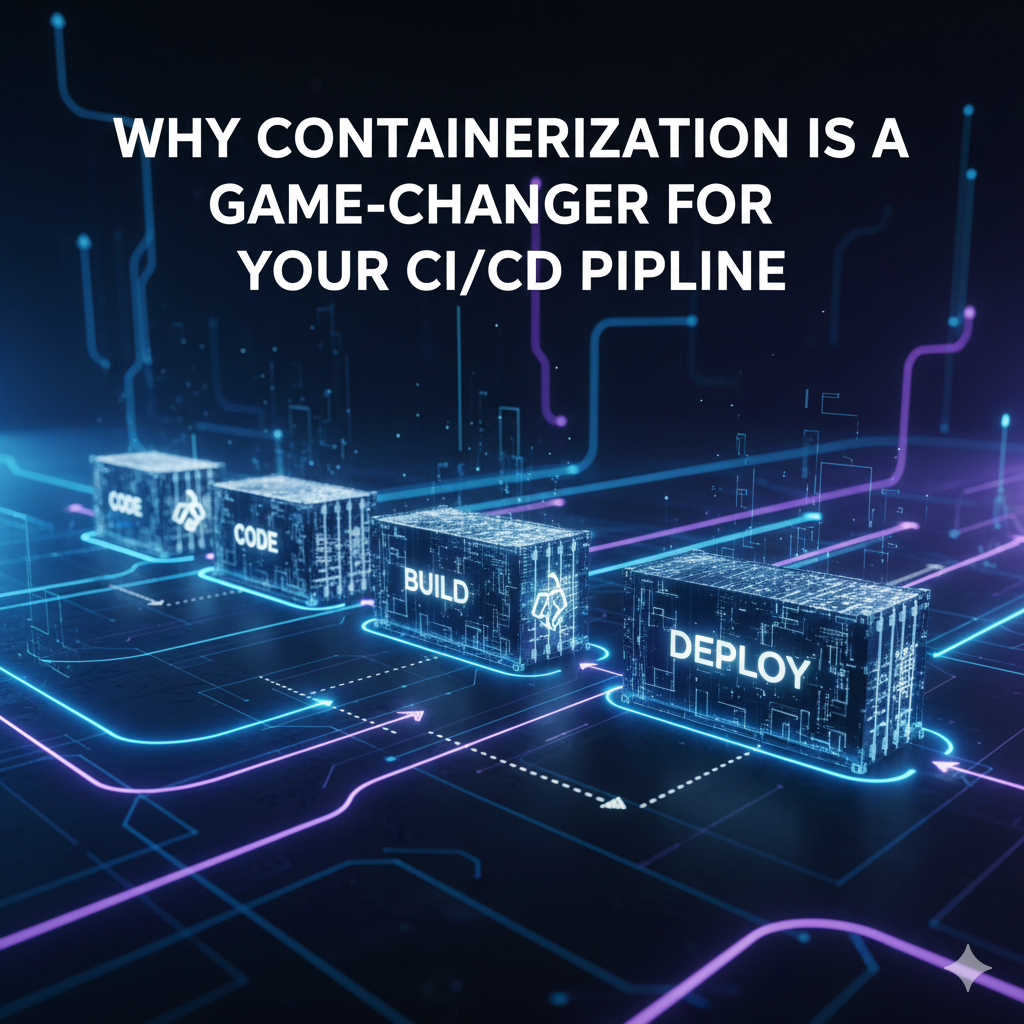
Why Containerization is a Game-Changer for Your CI/CD Pipeline
This one's for you, G!
If you're still running your CI/CD pipeline without containers, you're missing out on one of the most transformative shifts in modern software development. Containerization has fundamentally changed how we build, test, and deploy applications—and once you experience the benefits firsthand, there's no going back.
The "Works on My Machine" Problem is Dead
Remember debugging a failed deployment only to discover it was caused by a minor version difference in a shared library? Or spending hours trying to replicate a CI environment on your local machine? Containerization solves this by packaging your application with its entire runtime environment—dependencies, libraries, configurations, and all.
When your application runs in a container, it runs the same way everywhere. Your laptop, the CI server, staging, production—it's all identical. This consistency eliminates an entire category of bugs and deployment headaches that used to consume hours of developer time.
Speed That Actually Matters
Containers start in seconds, not minutes. For CI/CD pipelines, this speed advantage compounds quickly. Your pipeline can spin up a fresh container, run a full test suite, and tear everything down before a traditional VM would even finish booting.
But the real performance boost comes from layer caching. Containers are built in layers, and Docker intelligently caches unchanged layers. This means if you only modified your application code, your CI pipeline doesn't need to reinstall all your dependencies—it reuses the cached layers. What used to be a 10-minute build can drop to under a minute.
Test in Parallel Without the Headaches
Need to run integration tests, unit tests, and end-to-end tests simultaneously? With containers, each test suite gets its own isolated environment. They can't interfere with each other because each container is completely isolated—separate filesystems, separate network stacks, separate everything.
This isolation makes parallel testing trivial. Spin up five containers, run five different test suites at once, and cut your total test time by 80%. No complex orchestration required, no worrying about port conflicts or database collisions.
Infrastructure as Code, For Real
Your Dockerfile lives right in your repository alongside your application code. Changes to your infrastructure go through the same code review process as your application logic. Want to upgrade Node from 18 to 20? Make a one-line change to your Dockerfile, open a pull request, and let your team review it.
This version control for infrastructure means you can roll back bad changes just as easily as you roll back bad code. It also provides perfect documentation—your Dockerfile shows exactly what your production environment looks like, no guesswork required.
Dependency Hell? Solved
Different projects need different versions of Python, Node, or Java? No problem. Each project's container has exactly the dependencies it needs, isolated from everything else. You can work on a Node 14 project in one terminal and a Node 20 project in another without any configuration gymnastics.
For CI/CD, this means you can maintain multiple projects with wildly different technology stacks using the same CI infrastructure. No more provisioning specialized build agents or maintaining complex environment matrices.
Debugging That Actually Works
When a build fails in your CI pipeline, the traditional approach involves combing through logs and trying to mentally reconstruct what went wrong. With containers, you can do better: pull the exact container image that failed, run it on your local machine, and debug the problem interactively.
This reproducibility is invaluable. The container that failed in CI is byte-for-byte identical to the one you're running locally. No more guessing about environment differences or trying to replicate complex setups.
The Bottom Line
Containerization transforms CI/CD from a brittle, time-consuming process into something fast, reliable, and reproducible. The consistency alone—knowing that what works in CI will work in production—provides enormous peace of mind. Add in the speed improvements, simplified testing, and better debugging capabilities, and it's clear why containers have become the standard for modern development workflows.
If you haven't containerized your CI/CD pipeline yet, start with one project. Build a Dockerfile, update your CI configuration, and experience the difference. You'll wonder how you ever managed without it.